Build strength.
A workout plan that fits your week. A record of every set, ready for next time.
Explore training
Your workouts, meals and coaching belong together.
Plan them, track them and get advice in one app.
Free tier. Optional Pro.
Made for iPhone.
Apple Watch when you want it.
A workout plan that fits your week. A record of every set, ready for next time.
Explore trainingPhotograph your fridge. Get weekly meals, recipes and a shopping list. Log what you eat.
Explore food
A coach who can use your food, workouts and recovery to help you decide what’s next.
Explore coaching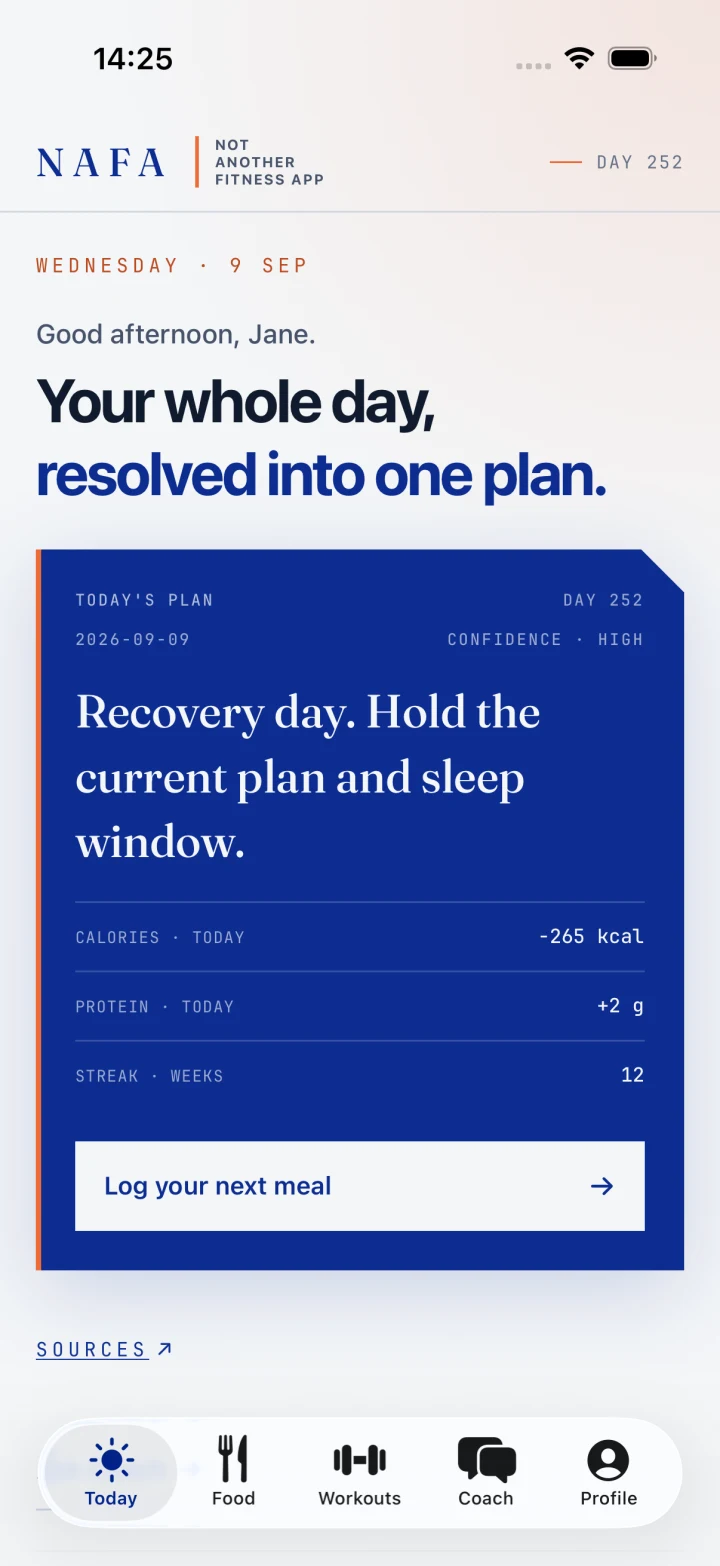
One for calories. Another for workouts. A meal planner. A recovery tracker. Then a coach who needs you to explain it all again.
NAFA puts them together. Your food log can inform your coaching. Your training history can shape your next plan. You spend less time moving information around.
Meet your new everyday appLess switching. More getting on with it.
A crowded iPhone folder named Health, with nine separate fitness apps, notification badges and more pages of apps.
Plan your meals. Track your workouts. Ask your coach about both. Your next conversation starts with what you’ve already logged.
The comparison shows an actual NAFA Today screen with example data.
Separate apps keep pieces of your day apart. NAFA brings your food, training and coaching together, so you have less to copy and explain.
Familiar daily tasks. All in one place.
Make a plan with what you already have. Then keep track of what you actually eat, in the same app.

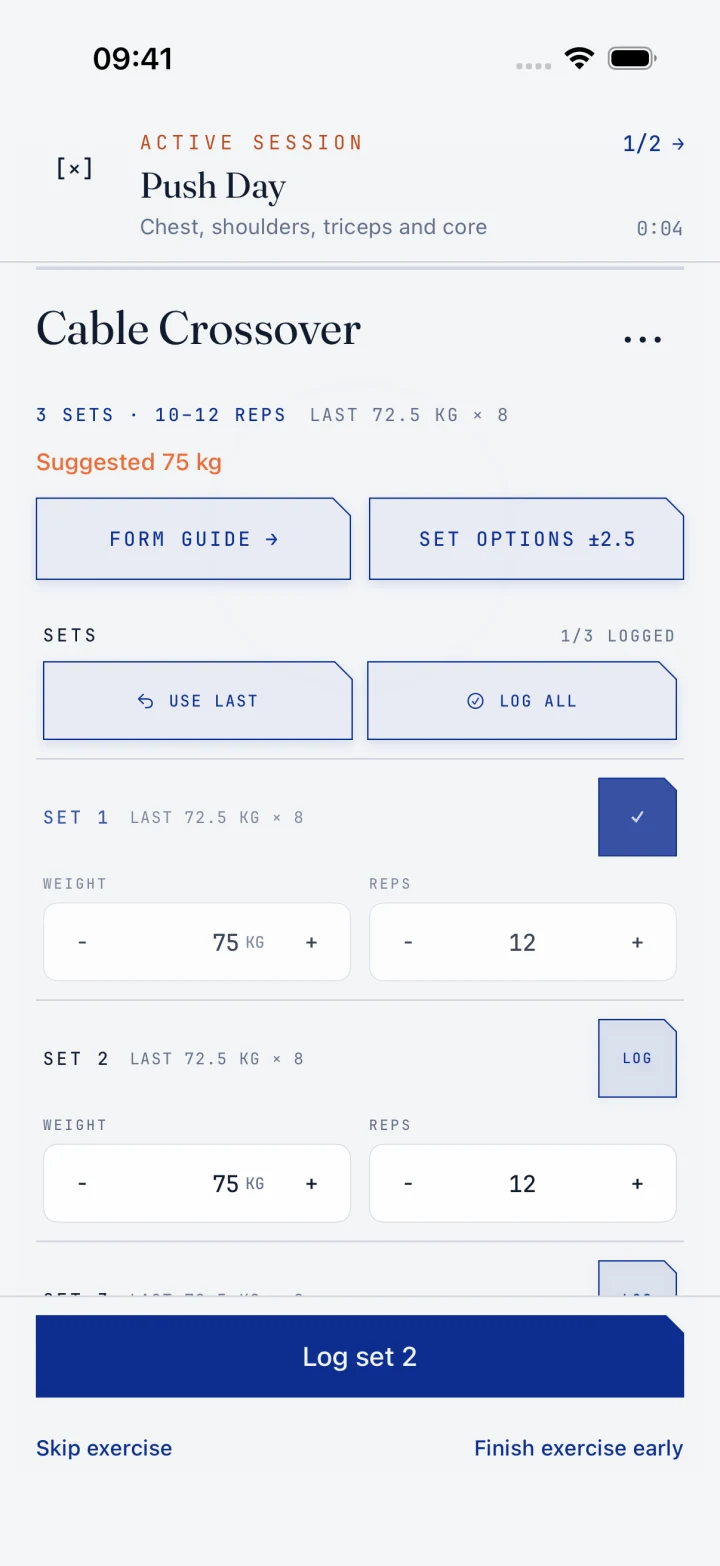
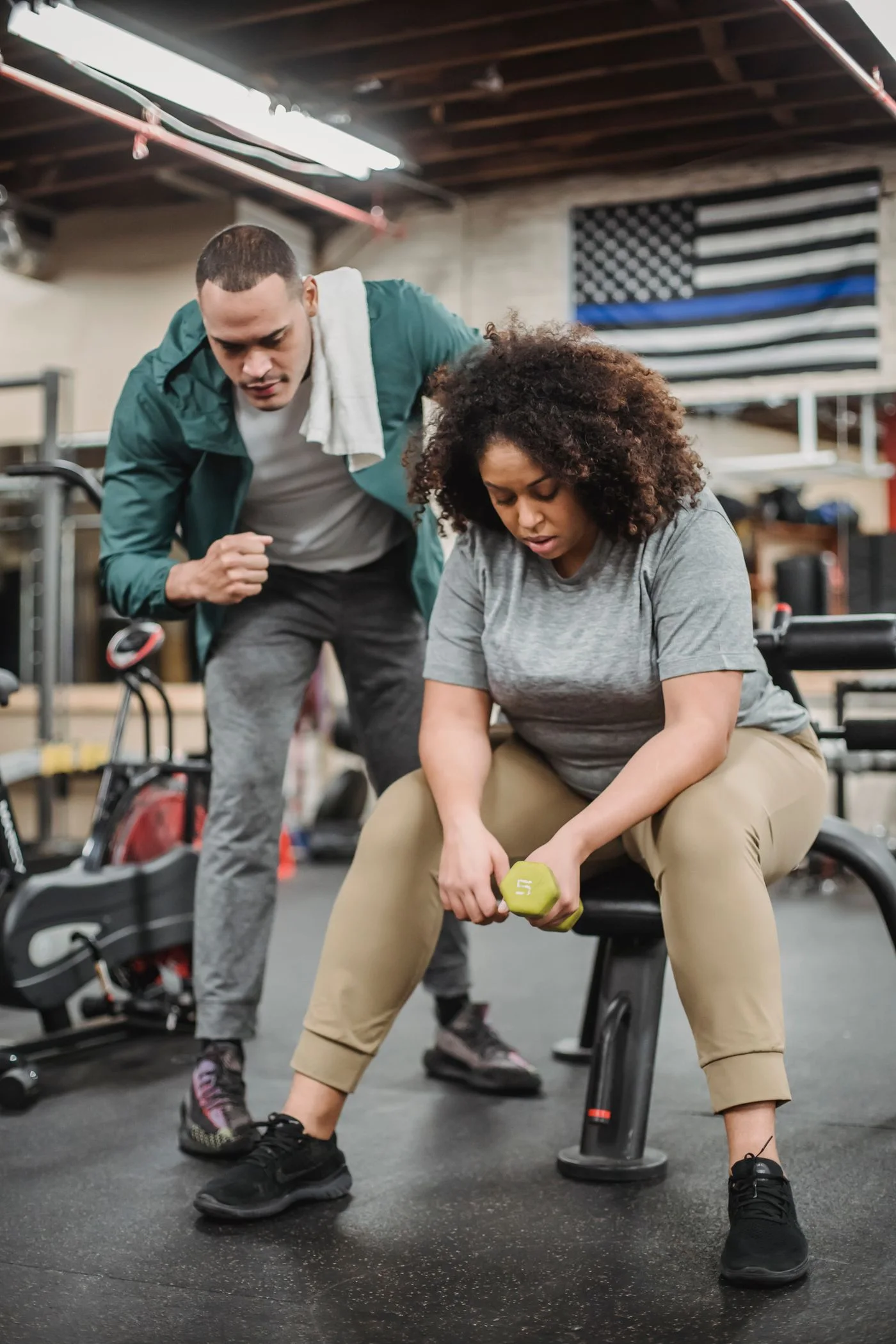
Build a workout plan around your goal, your schedule and the equipment you have. Keep the plan and your progress together.
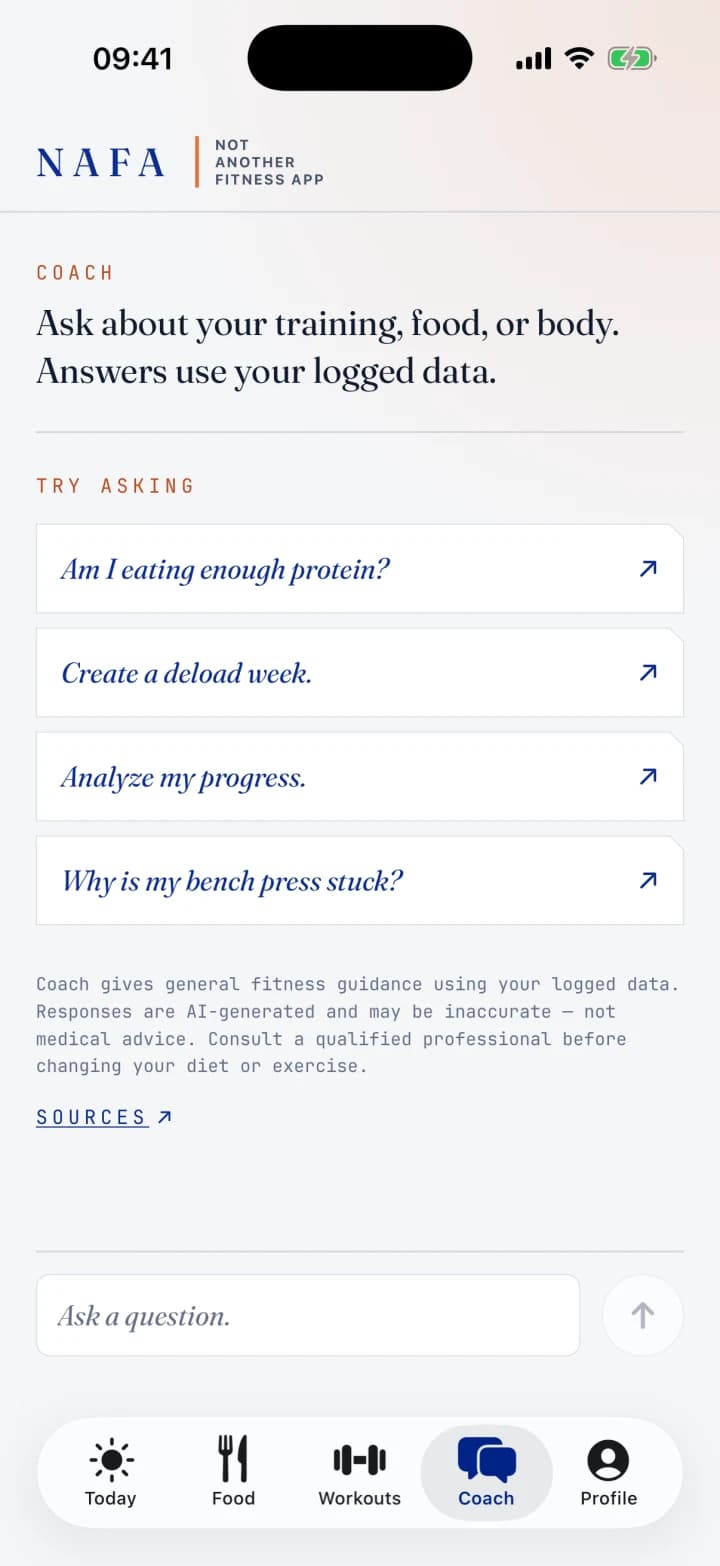
Ask about your food, workouts or progress without typing your history into another app. Your coach can use the information already in NAFA.
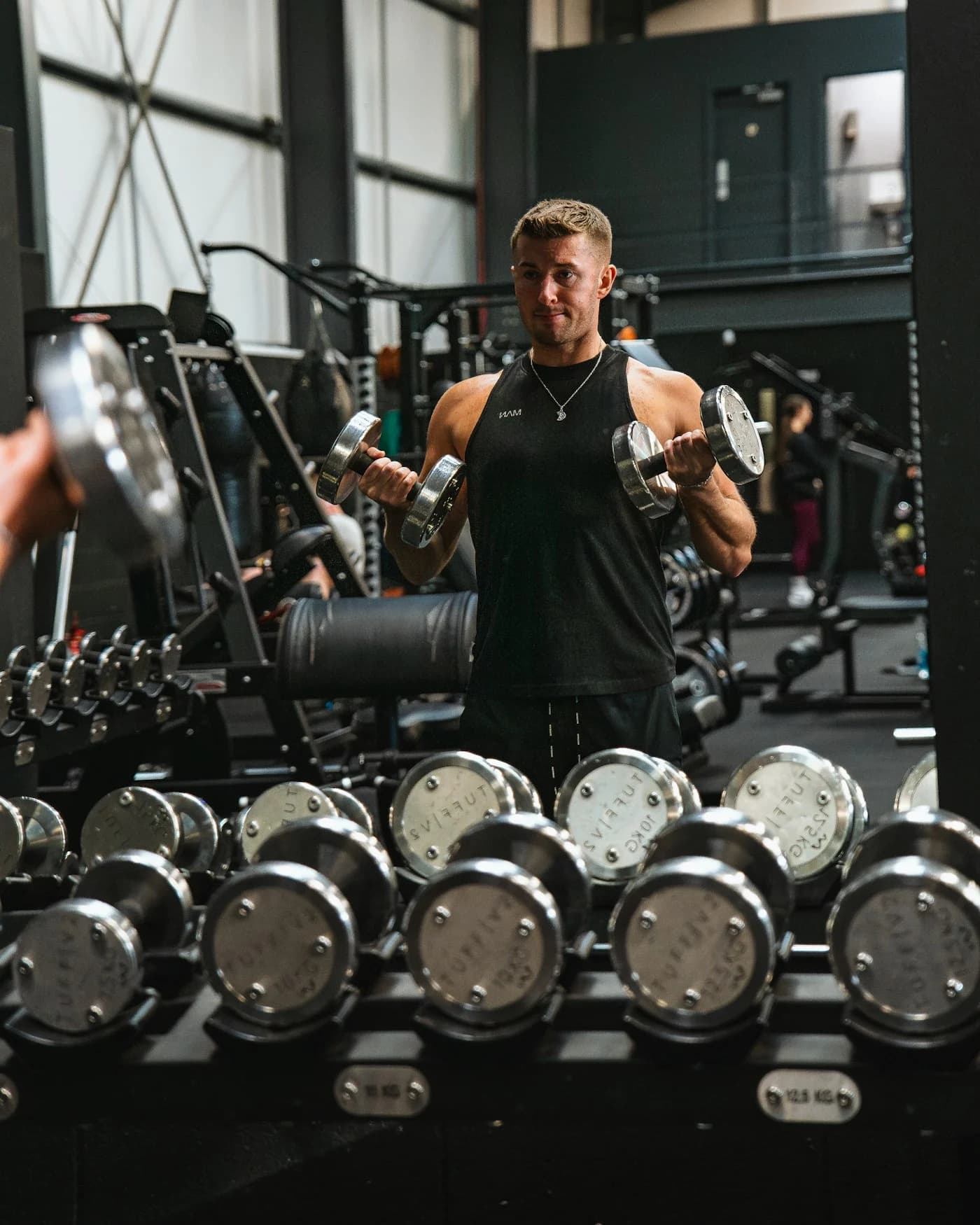
Keep your body measurements alongside your food and training. Look back at your check-ins and see what’s changing.
Start with the part you need today. The rest is there when you want it.
Photo and barcode logging, calorie and protein targets, meal plans, recipes and shopping lists. From deciding what to cook to keeping track of lunch.
Plans for your goals, schedule and equipment. Set logging on iPhone or Apple Watch. A training history you can come back to.
Ask about the meals and workouts you’ve logged. Connect Apple Health for recovery data, and review the advice before changing your plan.
Available now
Already have an AI assistant you like? Bring it into your fitness routine, without copying your food and workout logs into another chat.
“Look at my recent workouts and help me plan next week.”
Your training history is already in NAFA. Your assistant can use what you choose to share, so you don’t have to explain it all again.
Works with assistants that support MCP.
NAFA has a free tier and optional Pro. You can start without buying Pro. Paid features, usage limits and current prices are shown in the app before you subscribe.
No. You can plan workouts, log food and use your coach on iPhone. Apple Watch adds set logging on your wrist. You choose whether to connect Apple Health.
Yes. Review the suggestions, edit your workouts and food targets, and log what you actually did. A busy week or a different dinner doesn’t mean starting over.
Yes, for features such as food photo estimates, meal and workout plans, and coaching. You can review and correct the results. Estimates can be wrong, and coaching is general fitness guidance, not medical advice.
Start with your next meal or your next workout.